Best Cooling Solutions for PS5 in 2026
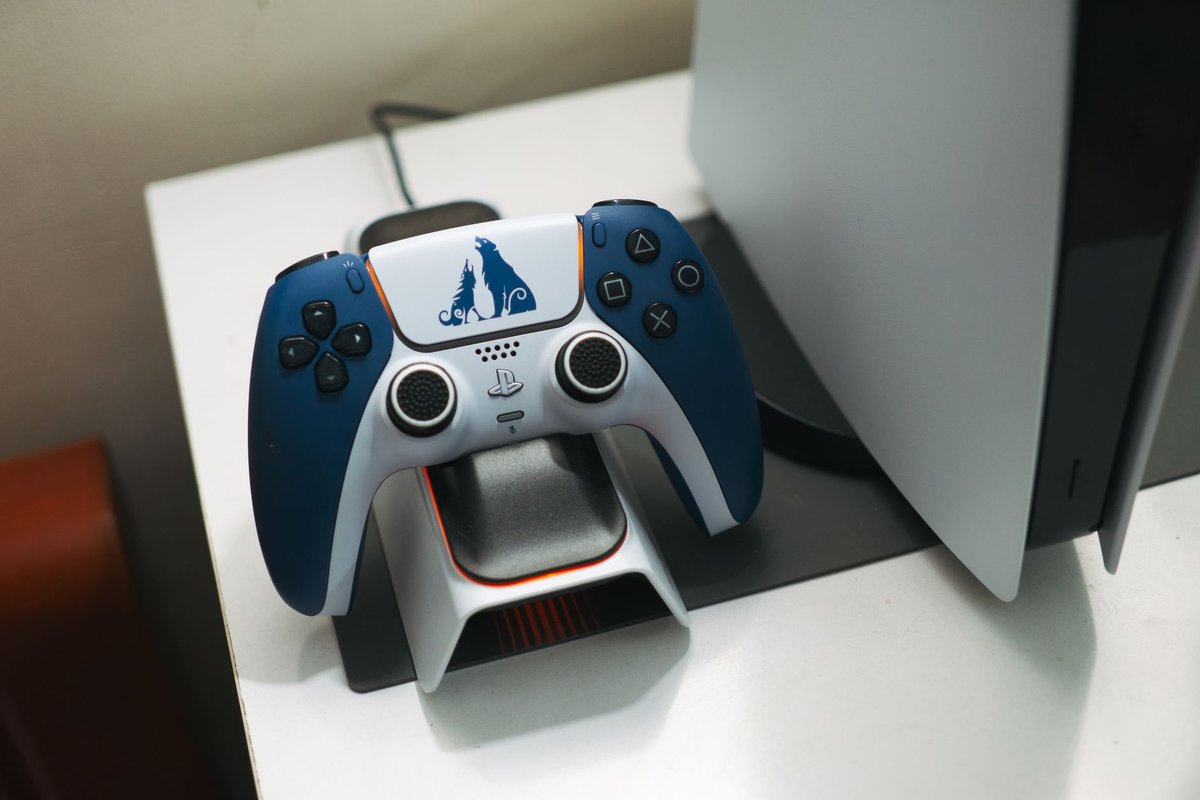
The PlayStation 5 is a powerful console, but like any high-performance device it can run hot during extended sessions. Proper cooling preserves performance, reduces fan noise, and extends the console's lifespan. This guide covers proven cooling solutions for PS5 owners in 2026, from simple airflow improvements to advanced accessories.
---
Why PS5 cooling matters
- Thermal throttling can reduce performance in demanding games.
- Excessive heat shortens component lifespan.
- Loud fans can ruin immersion.
- Dust buildup reduces cooling efficiency over time.
---
Basic maintenance (do this first)
---
Passive cooling improvements
1. Elevate the console
- Use rubber feet or a stand to improve bottom airflow.
2. Room ventilation
- Use a fan or open a window to lower ambient temperature during long sessions.
3. Cable management
- Keep cables tidy to avoid blocking vents and to improve airflow around the console.
Active cooling accessories
1. Cooling stands with fans
- What they do: Add directed airflow to intake/exhaust areas.
- Why they help: Reduce internal temperatures during extended play.
2. External USB fans
- What they do: Clip-on fans that blow across the console's vents.
- Why they help: Cheap and effective for short-term cooling boosts.
3. Docking stations with integrated cooling
- What they do: Combine vertical stands with active cooling and extra ports.
- Why they help: Great for players who want a tidy setup and improved thermals.
Advanced solutions (for enthusiasts)
1. Thermal paste replacement
- What it is: Replacing factory thermal paste with a higher-quality compound.
- Why: Can lower temperatures by a few degrees; requires opening the console and voids warranty for most users.
2. Internal fan replacement or modding
- What it is: Replacing or modifying internal fans for better airflow.
- Why: Effective but risky and technical; not recommended unless experienced.
3. Custom cooling shrouds and vents
- What it is: Modding the chassis to improve airflow.
- Why: Can yield gains but is invasive and voids warranty.
Recommended products
- Cooling stand with dual fans, ideal for long sessions.
- USB clip-on fan, budget-friendly and portable.
- Vertical dock with cooling and extra ports, tidy setup and improved airflow.
- High-quality thermal paste, for advanced users who open their console.
How to test cooling effectiveness
---
Noise vs cooling trade-offs
- Higher fan speeds reduce temps but increase noise.
- Passive solutions are silent but less effective under heavy load.
- Balanced approach: Use a cooling stand + room ventilation for quiet, effective cooling.
Warranty and safety notes
- Opening the PS5 voids warranty in most regions.
- Use non-invasive accessories if you want to keep warranty intact.
- Follow manufacturer instructions for any third-party accessory.
Conclusion
Keeping your PS5 cool is about combining good placement, regular maintenance, and the right accessories. Start with passive improvements and a quality cooling stand; reserve invasive mods for experienced users who accept warranty risks. With the right setup, you'll enjoy quieter fans, stable performance, and a longer-lasting console.
Call to action: Try a cooling stand and a quick baseline test, share your before/after temps and fan noise levels to help others choose the best solution.