Best Ergonomic Gaming Chairs for Long Sessions (2026 Guide)
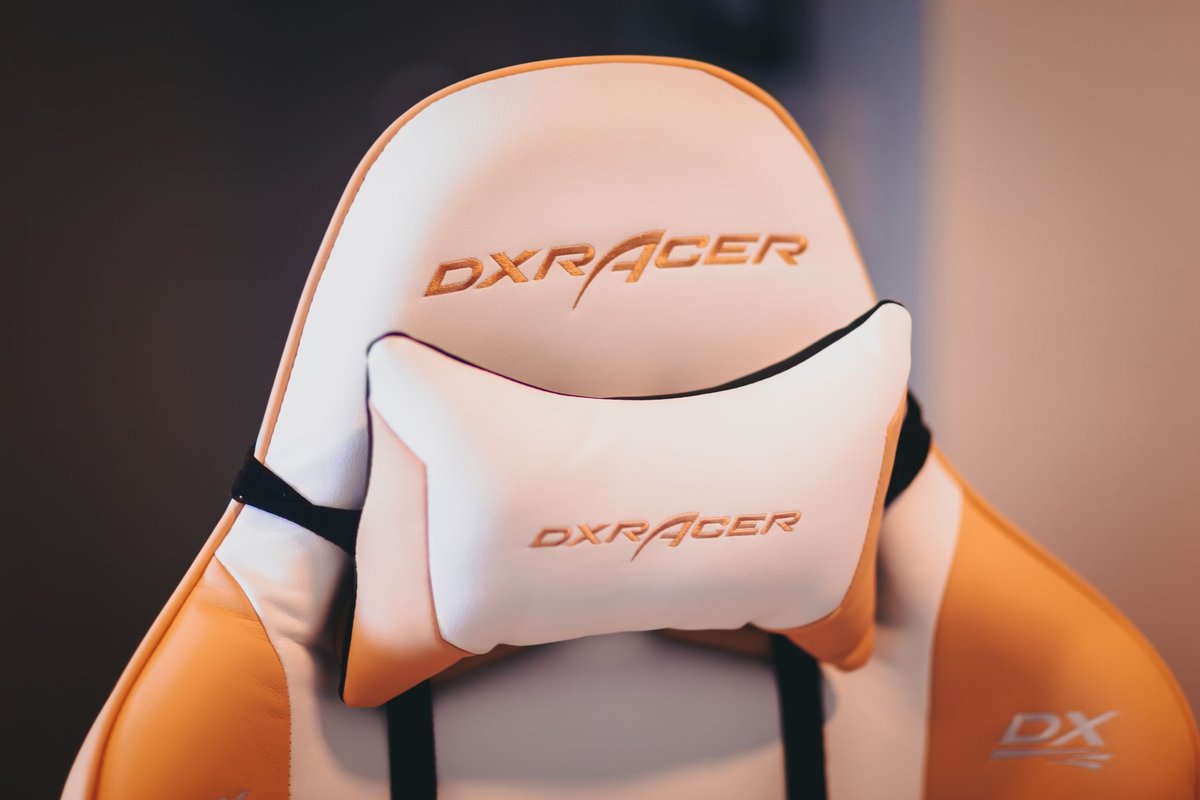
Sitting for long gaming sessions can wreck posture, cause back pain, and reduce performance. The right ergonomic gaming chair supports your spine, encourages healthy posture, and keeps you comfortable during marathon streams or ranked runs. This guide breaks down what to look for, how to measure fit, and the best chairs across budgets in 2026, plus practical tips to pair a chair with your desk, monitor, and accessories for a complete ergonomic setup.
---
Why ergonomics matter for gamers
Long sessions place sustained pressure on the lumbar spine, shoulders, and neck. Poor seating leads to:
- Lower back pain from unsupported lumbar curvature.
- Neck strain from forward head posture.
- Reduced circulation in legs from poor seat depth or edge pressure.
- Fatigue and reduced focus from discomfort.
---
Key ergonomic features to prioritize
1. Lumbar support
- Adjustable lumbar (height and depth) is essential. Look for chairs with built-in adjustable lumbar or an attachable lumbar pillow.
2. Seat depth and width
- Seat depth should allow 2–4 fingers between the back of your knees and the seat edge.
- Seat width must accommodate your hips without forcing you to sit off-center.
3. Recline and tilt mechanisms
- Multi-position recline (90°–135°+) helps alternate between focused play and relaxed breaks.
- Tilt lock and tension control let you set resistance for your weight.
4. Armrests (4D preferred)
- 4D armrests adjust height, depth, width, and rotation, crucial for matching desk height and reducing shoulder strain.
5. Headrest
- A height-adjustable headrest supports the cervical spine during recline.
6. Breathable materials
- Mesh for airflow; high-density foam for long-term comfort; leather or PU for aesthetics but check breathability.
How to measure for the right chair
Use these numbers to compare manufacturer specs.
---
Best chairs by category (2026 picks)
Best overall ergonomic gaming chair
- Why: Balanced support, adjustable lumbar, 4D armrests, durable build.
- Who it's for: Gamers who want a long-term investment.
Best budget ergonomic chair
- Why: Solid lumbar support and tilt mechanism at a lower price.
- Who it's for: Gamers on a budget who still need posture support.
Best premium ergonomic chair
- Why: Advanced materials, refined adjustments, extended warranty.
- Who it's for: Streamers and professionals who sit all day.
Best mesh chair for breathability
- Why: Superior airflow for hot climates and long sessions.
- Who it's for: Players in warm rooms or those who sweat during play.
Best compact chair for small spaces
- Why: Narrow seat and lower back height without sacrificing support.
- Who it's for: Smaller players or compact desks.
Desk and monitor pairing for posture
- Desk height: Elbows should rest at desk level with shoulders relaxed.
- Monitor height: Top of the monitor at or slightly below eye level; tilt to reduce glare.
- Keyboard/mouse placement: Keep wrists neutral; use a wrist rest if needed.
---
Microbreaks and movement
Even the best chair can't replace movement. Use these habits:
- 20–20–20 rule: Every 20 minutes, look at something 20 feet away for 20 seconds and shift posture.
- Hourly stand/stretch: Stand, walk, or do light stretches for 3–5 minutes each hour.
- Active sitting: Shift posture and recline periodically to redistribute pressure.
Maintenance and longevity
- Tighten screws every 3–6 months.
- Clean upholstery per manufacturer instructions.
- Replace worn casters for smooth movement.
- Check gas lift for sagging and replace if needed.
---
Conclusion
An ergonomic gaming chair is an investment in comfort, health, and performance. Prioritize adjustable lumbar support, seat depth, and 4D armrests, and pair the chair with a properly set desk and monitor. Combine good equipment with movement habits to stay comfortable and focused during long sessions.
Call to action: Measure your setup, pick a chair that matches your dimensions, and test it for a week, comfort should improve within days.
---
Buy at Rubab's Digital shop — Desk & Ergonomics. Rubab's Digital is our own online store.