Best Gaming Monitors for High Refresh Rates and Competitive Play
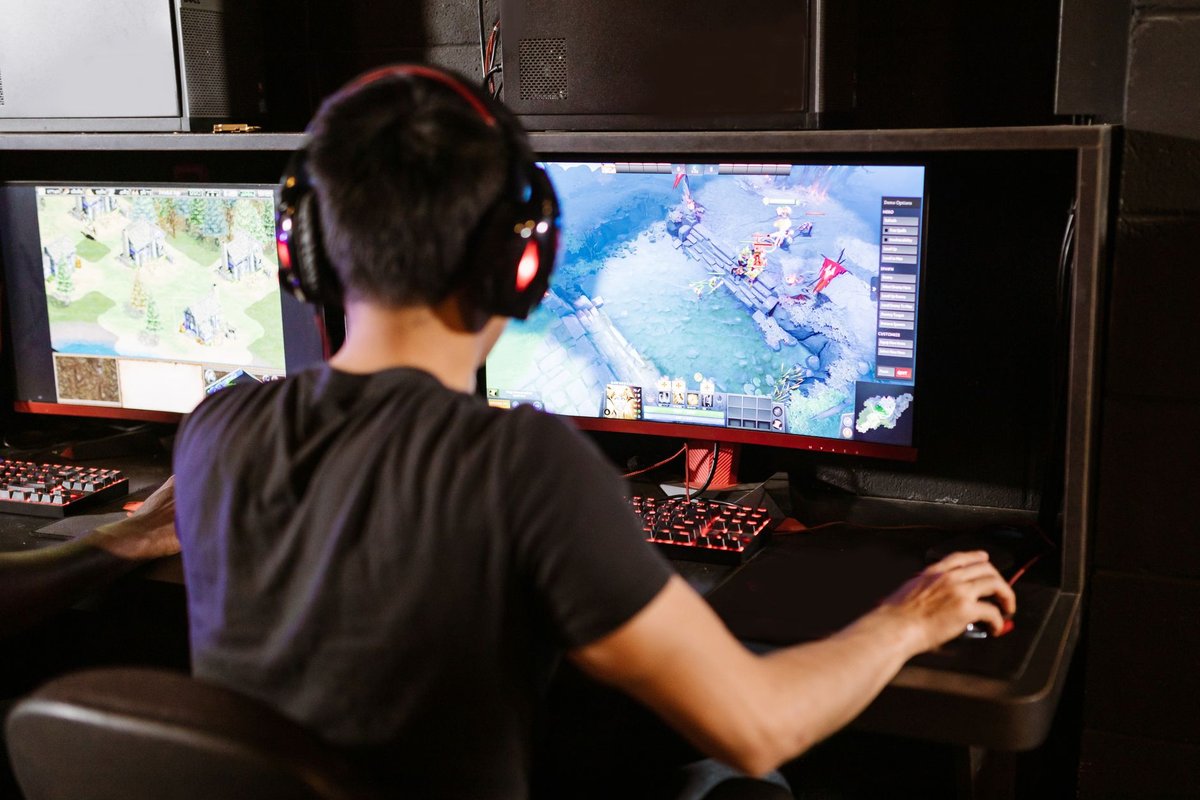
Refresh rate is one of the most important specs for competitive gaming. Higher refresh rates reduce input latency and make motion appear smoother, giving players an edge in fast-paced titles. This guide explains refresh rate, how it interacts with GPU performance, and recommends monitor classes for different budgets and competitive needs.
---
What refresh rate means and why it matters
- Refresh rate (Hz): How many times per second the monitor updates the image.
- Higher refresh rates: 144Hz, 240Hz, 360Hz, 500Hz+, smoother motion and lower perceived input lag.
- Frame rate vs refresh rate: To benefit from a high refresh rate, your GPU must produce matching FPS.
---
Key specs to consider alongside refresh rate
- Response time: Lower ms reduces ghosting (OLED and fast IPS lead here).
- Panel type: OLED (best motion clarity and contrast), IPS (great colors, fast), TN (cheapest speed), VA (contrast, but slower).
- Adaptive sync: G-SYNC or FreeSync to avoid tearing.
- Resolution: 1080p for highest refresh rates; 1440p for a balance of clarity and speed.
- Input lag: End-to-end latency matters for competitive play.
Monitor classes and who they're for
1. Esports competitive monitors (240Hz–540Hz)
- Who: Pro FPS players and competitive streamers.
- Why: Ultra-smooth motion and minimal input lag.
- Typical spec: 1080p/1440p, sub-1ms response, fast IPS or OLED.
2. High-refresh immersive monitors (144Hz–240Hz)
- Who: Gamers who want both speed and visual quality.
- Why: 1440p at 144–240Hz is the sweet spot for modern GPUs.
- Typical spec: Fast IPS or QD-OLED, good color accuracy, adaptive sync.
3. Budget high-refresh monitors (120Hz–165Hz)
- Who: Casual competitive players on a budget.
- Why: Great value and noticeable improvement over 60Hz.
- Typical spec: 1080p or 1440p IPS.
How to pair monitor and GPU
- Match target FPS to refresh rate: Aim for sustained FPS near the monitor's refresh rate.
- Use upscaling and settings: DLSS/FSR can help hit higher FPS on demanding titles.
- Consider resolution: 1080p for 360Hz+; 1440p for 240Hz with a powerful GPU.
OLED considerations (the 2026 factor)
- Motion clarity: OLED's near-instant response makes even 240Hz OLED look cleaner than 360Hz LCD to many players.
- Burn-in: Modern panels have strong mitigation, but static HUD-heavy use for years carries some risk, check warranty terms.
- Text clarity: Improved on recent panels, still worth checking if you also work on the monitor.
Recommended features for competitive setups
- Low-latency mode: Many monitors include a "Game" mode to reduce processing.
- Ergonomic stand: Height, tilt, and swivel adjustments for comfort.
- Multiple inputs: HDMI 2.1 and DisplayPort for console and PC compatibility.
- Uniformity and calibration: For streamers and creators, color accuracy matters too.
Accessories worth pairing with a new monitor
- Monitor arms for desk ergonomics.
- Calibration tools for color-critical creators.
- High-quality DisplayPort/HDMI cables for stable high-bandwidth connections.
- Gaming chairs and desks to complete the competitive setup.
Buying checklist
---
Conclusion
Refresh rate is a cornerstone of competitive gaming hardware. Choose a monitor that matches your GPU's capabilities and your competitive goals: 360Hz+ for pro-level play, 240Hz (especially OLED) for high-end competitive gaming, and 144–165Hz for a balanced experience. Pair the monitor with adaptive sync, low response times, and ergonomic accessories to build a winning setup.
Call to action: Decide your target refresh rate and shortlist three monitors, compare real-world benchmarks in your favorite games before buying.