Best Mobile Gaming Controllers for Android and iOS in 2026
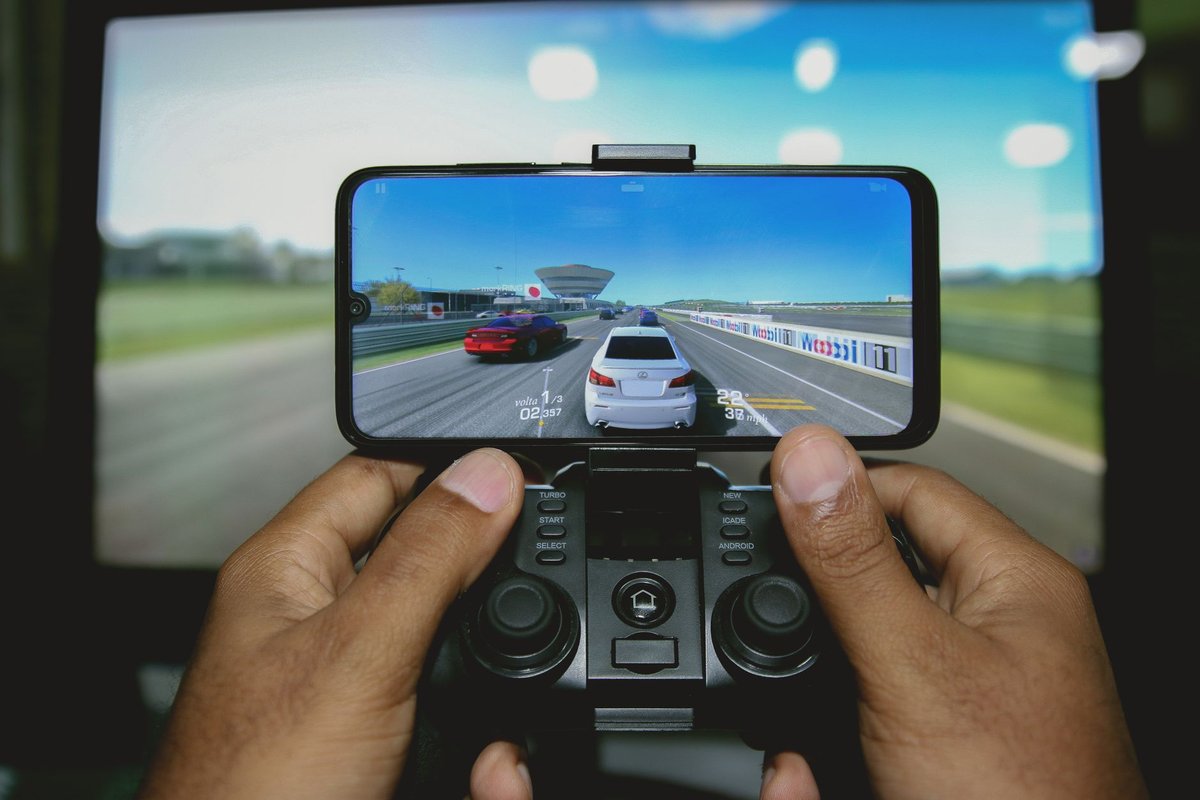
Mobile gaming has matured into a serious platform for both casual and competitive play. The right controller transforms touchscreen frustration into precise, comfortable input. This guide covers the best mobile controllers in 2026 and how to choose based on your device and playstyle.
---
Why a controller matters for mobile gaming
- Precision: Physical sticks and triggers improve aim and movement.
- Comfort: Ergonomic grips reduce fatigue during long sessions.
- Compatibility: Many controllers support cloud gaming, emulation, and native mobile titles.
- Latency: Low-latency Bluetooth or wired options reduce input lag.
Controller types and use cases
- Clip-on / telescopic controllers: Attach directly to phones for handheld play.
- Full-size controllers: Provide console-like ergonomics for docked or tabletop play.
- Modular controllers: Allow swapping grips, triggers, or battery packs.
- Cloud-gaming optimized controllers: Certified for services like Xbox Cloud Gaming and GeForce NOW.
Top controllers to consider (2026 picks)
1. Razer Kishi V2 / Kishi Ultra class
- Why: Low-latency USB-C connection, passthrough charging, and console-style layout.
- Best for: Competitive mobile FPS and cloud gaming.
- Notes: Check compatibility for phone size and port type.
2. Backbone One
- Why: Excellent ergonomics, tight iOS/Android integration, and strong capture/software features.
- Best for: iPhone users and streamers who want quick capture tools.
- Notes: USB-C is the standard now; confirm your phone's port.
3. 8BitDo controllers (Pro/Ultimate class)
- Why: Versatile, Bluetooth support for multiple platforms, and customizable profiles.
- Best for: Emulation and cross-platform play.
- Notes: Pairing modes and firmware updates improve compatibility.
4. Xbox Wireless Controller / PlayStation DualSense (via Bluetooth)
- Why: Familiar layout and excellent build quality; works well for cloud gaming.
- Best for: Players who already own console controllers and want cross-device use.
- Notes: Some features (adaptive triggers, haptics) may be limited over Bluetooth; pair with a phone clip.
5. GameSir G8 / X-series clip-on controllers
- Why: Affordable, low-latency, hall effect sticks on newer models.
- Best for: Budget-conscious players and travel use.
- Notes: Check for phone thickness and case compatibility.
How to choose the right controller
---
Setup and pairing tips
- Update firmware before first use for best compatibility.
- Use wired mode when available for the lowest latency.
- Close background apps to reduce Bluetooth interference.
- Test in practice modes before competitive matches.
Content ideas for controller reviews
- Controller comparison videos showing latency and comfort tests.
- Cloud gaming setup guides covering subscriptions and controller pairing.
- Mobile esports coverage and controller-specific tips for popular titles.
Conclusion
A good mobile controller elevates gameplay from clumsy touch controls to precise, comfortable input. Choose based on device compatibility, latency needs, and ergonomics, and prioritize hall effect sticks for longevity. Pair controller reviews with cloud gaming setup guides to give readers real value.
Call to action: Pick a controller that fits your phone and playstyle, test it in your favorite game, and share a short clip of the improvement, your audience will want the same upgrade.