Best 1440p Monitor for Gaming: Picks, How to Choose, and Setup Tips
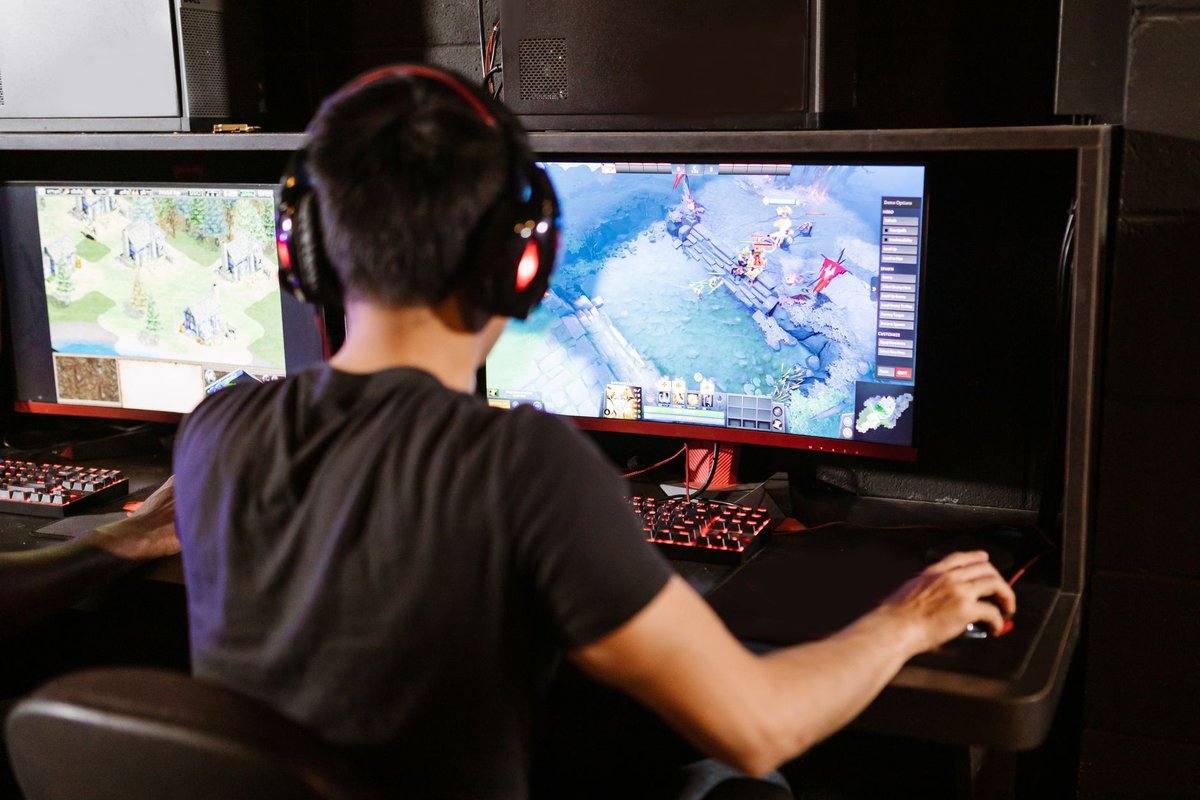
Choosing the best 1440p monitor for gaming in 2026 means matching resolution, refresh rate, and panel tech to your GPU and priorities. 1440p remains the sweet spot for clarity without the heavy GPU cost of 4K, and modern panels offer refresh rates from 144Hz to 360Hz+ with OLED and QD-OLED options for superior motion and color. This guide covers how to choose, the top picks per use case, and the setup steps that unlock everything you paid for.
Why 1440p is still the sweet spot in 2026
Performance vs fidelity: 1440p delivers a meaningful visual upgrade over 1080p while being far easier to drive at high refresh rates than 4K. If you want high FPS and* sharp visuals, 1440p is the best compromise.
- GPU economics: A mid-range GPU sustains 100–165 FPS at 1440p in most titles (with DLSS/FSR helping in the heaviest games); the same money spent chasing 4K buys half the frame rate.
- Panel maturity: 1440p is where the monitor market is deepest in 2026, fast IPS, QD-OLED, and mini-LED all compete at this resolution, so every budget has strong options.
- Desk reality: At 27", 1440p hits ~109 PPI, sharp text and detail at normal viewing distance without Windows scaling headaches.
Panel types explained (the decision that matters most)
Fast IPS, the balanced default
Great color, wide viewing angles, and modern fast-IPS response times that eliminate most ghosting. The right choice for mixed use: competitive play plus general use and content.
QD-OLED / OLED, the motion and contrast king
Near-instant pixel response (motion clarity beyond any LCD at the same Hz), perfect blacks, and stunning HDR. Trade-offs: higher price, lower full-screen brightness, and burn-in care for static HUDs, modern mitigation makes this a manageable rather than disqualifying concern.
VA / mini-LED, the immersion value
Deep native contrast, and with mini-LED backlights, genuinely impactful HDR at mid-range prices. Slightly slower response than fast IPS, fine for single-player, less ideal for top-level competitive FPS.
How to pick the best 1440p monitor for your setup
Top picks (2026)
Best overall: LG 27" Nano IPS class (27GP850/27GR83Q successors)
Balanced color, fast response, 165–180Hz, and consistently strong value. The default answer for most gamers.
Who should buy: Mixed-use gamers who want speed and color without OLED pricing.
Best competitive: 240Hz+ fast IPS / QD-OLED (ASUS ROG Swift class)
Ultra-low input lag, esports features, and either very fast IPS or QD-OLED motion clarity for ranked grinders.
Who should buy: Competitive FPS players with GPUs that sustain 200+ FPS.
Best HDR value: AOC Q27G3XMN-class mini-LED
Mini-LED contrast and real HDR punch at a mid-range price, the immersion pick for single-player libraries.
Who should buy: Story-game players who want HDR impact without OLED cost.
Best premium: 27" 1440p QD-OLED (240Hz class)
The no-compromise pick: perfect blacks, elite motion, and enough Hz for competitive play in one panel.
Who should buy: Enthusiasts who want one monitor to do everything at the highest level.
---
Quick setup tips (do these on day one)
- Set the refresh rate manually, Windows frequently defaults new monitors to 60Hz. Settings → Display → Advanced → pick the max.
- Enable VRR (G-SYNC/FreeSync) in the GPU control panel and the monitor OSD.
- Use DisplayPort for the highest refresh rates and HDR passthrough.
- Game mode / low-latency mode on in the monitor OSD.
- Cap FPS just below max refresh (e.g., 237 on 240Hz) for the smoothest VRR behavior.
- Calibrate color with the sRGB preset if you also do content work; game first, calibrate second.
Comparison table (3 products)
| Product | One-line pro | One-line con | | --- | --- | --- | | LG 27" Nano IPS (165–180Hz) | Great color and speed at a fair price | Not the deepest blacks vs VA/OLED | | ASUS ROG Swift 240Hz+ class | Elite motion clarity and esports features | Premium price | | AOC mini-LED (Q27G3XMN class) | Real HDR contrast at a value price | Slower response than fast IPS for esports |
---
FAQ
Q: Is 1440p better than 4K for gaming? A: For high refresh rates, yes, 1440p is far easier to drive to 144+ FPS while keeping sharp visuals. 4K makes sense mainly for single-player fidelity with a top-tier GPU.
Q: Which panel is best for competitive FPS? A: Fast IPS or QD-OLED with low measured input lag. OLED's near-instant response gives the cleanest motion at any given refresh rate.
Q: Do I need DisplayPort for high refresh 1440p? A: Effectively yes, DisplayPort 1.4 with DSC (or DP 2.1) handles 1440p at 240Hz+ with HDR; HDMI 2.1 also works on monitors that support it. Check the spec sheet.
Q: Is OLED worth it for 1440p gaming? A: If your budget allows, motion clarity and contrast are unmatched. Static-HUD burn-in is a manageable risk on modern panels; check the warranty's burn-in coverage.
Q: What GPU do I need for 1440p 144Hz? A: Current mid-range GPUs reach 144Hz in esports titles easily and in AAA titles with DLSS/FSR Quality; demanding ray-traced games need upper-tier cards. Match monitor Hz to what your GPU sustains in your games.
Q: 27" or 32" for 1440p? A: 27" for sharpness and competitive play; 32" for immersion at the cost of pixel density. Sit closer than 80cm? Stay at 27".
---
Final verdict and CTA
At 1440p in 2026, the decision tree is short: fast IPS for balanced value (LG Nano IPS class), 240Hz fast IPS or QD-OLED for competitive play, mini-LED for HDR immersion on a budget, and QD-OLED if you want it all. Match the refresh rate to your GPU's real output, set the monitor up properly on day one, and you'll feel the upgrade in the first match.
Ready to upgrade? Shortlist two monitors from the picks above, compare measured reviews, and check current prices.
---
---